Explore our collection of the top developer tools available to help you build software faster and search above for additional curated websites.
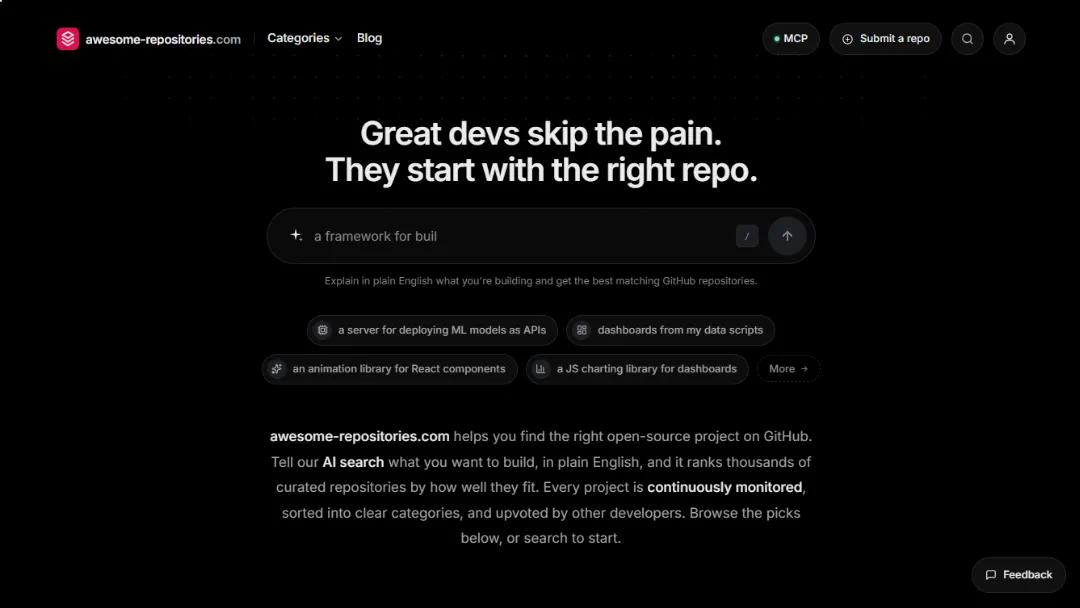
Awesome GitHub Repositories
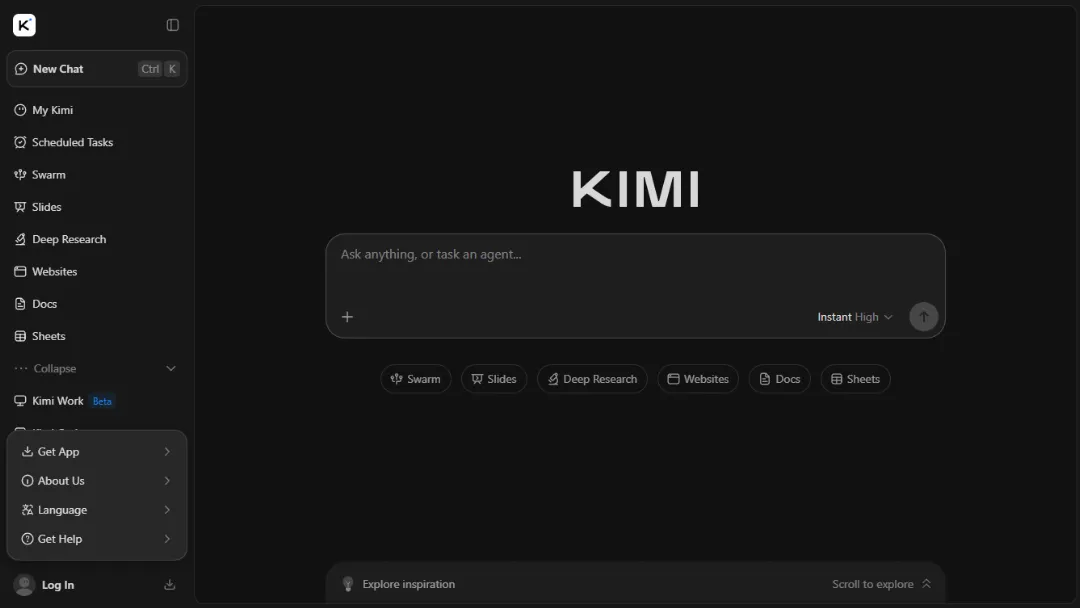
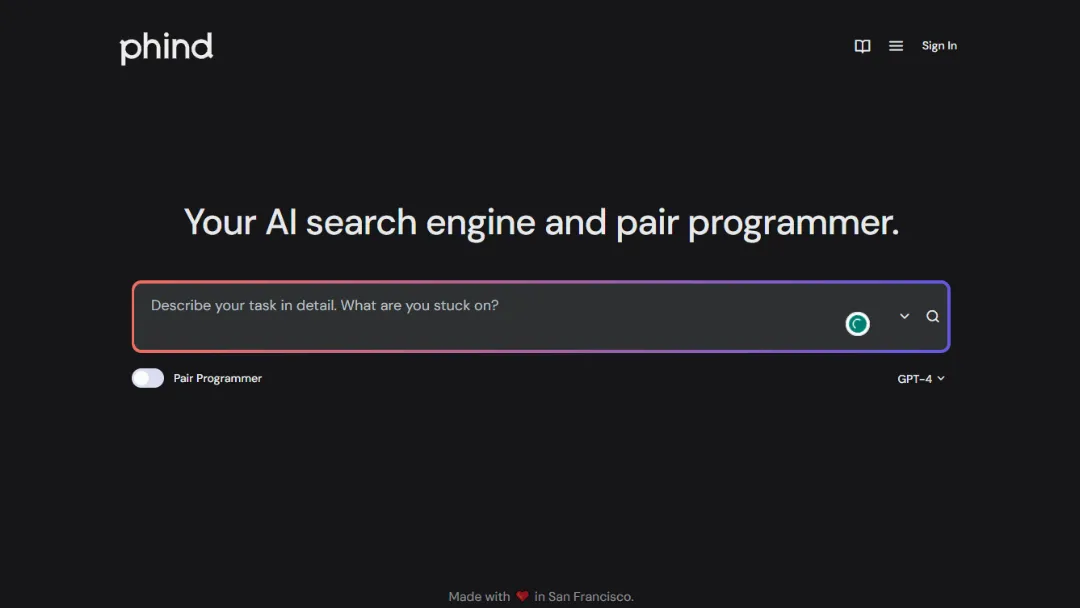
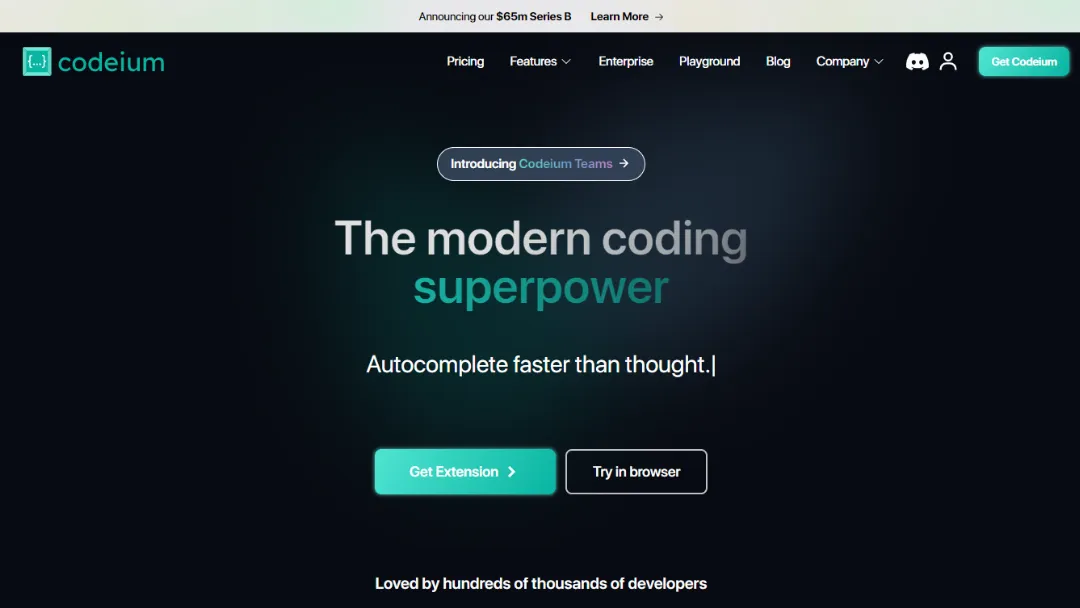
Access an AI assistant for chatting, researching, coding, and creating.
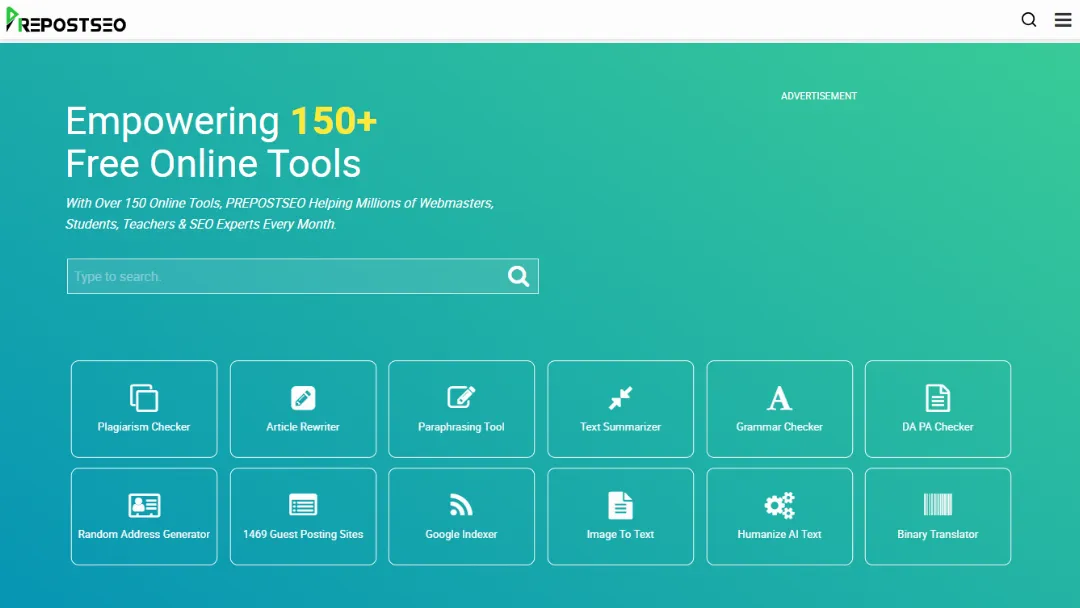
Access 100+ free online SEO tools to enhance your website's performance.
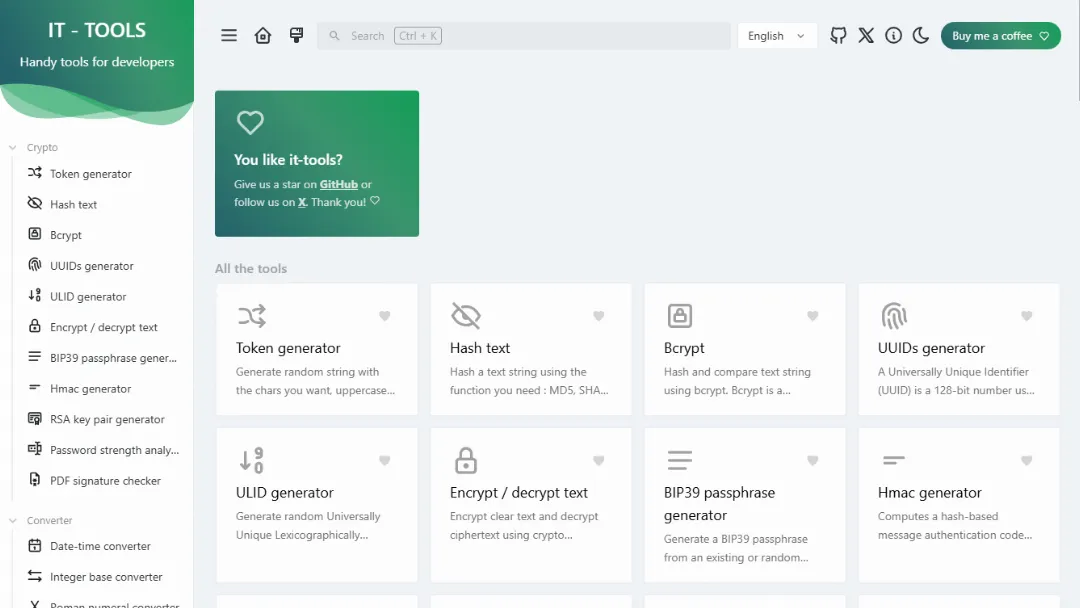
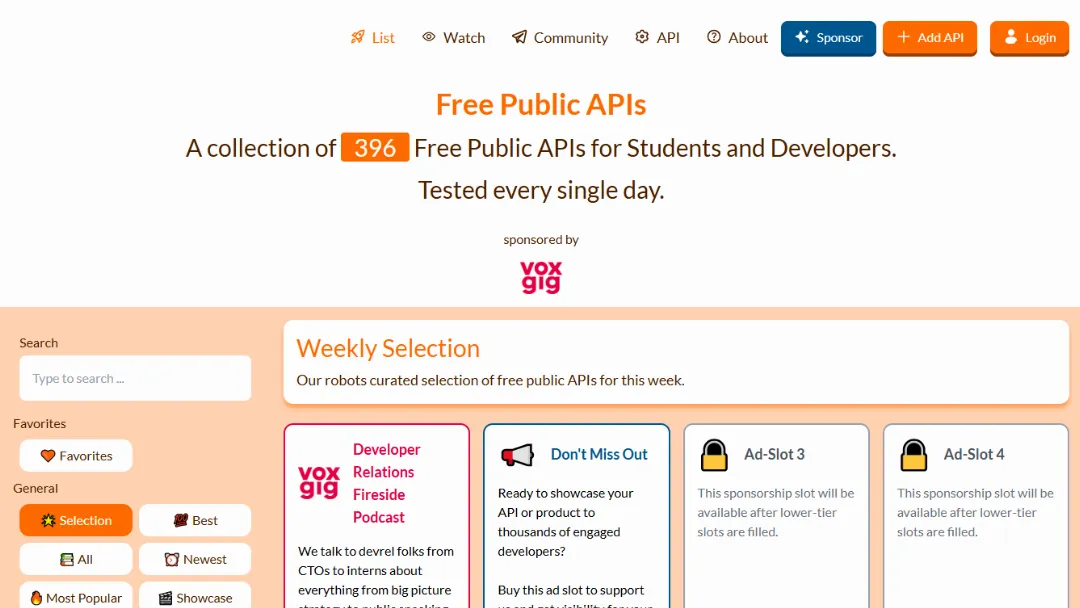
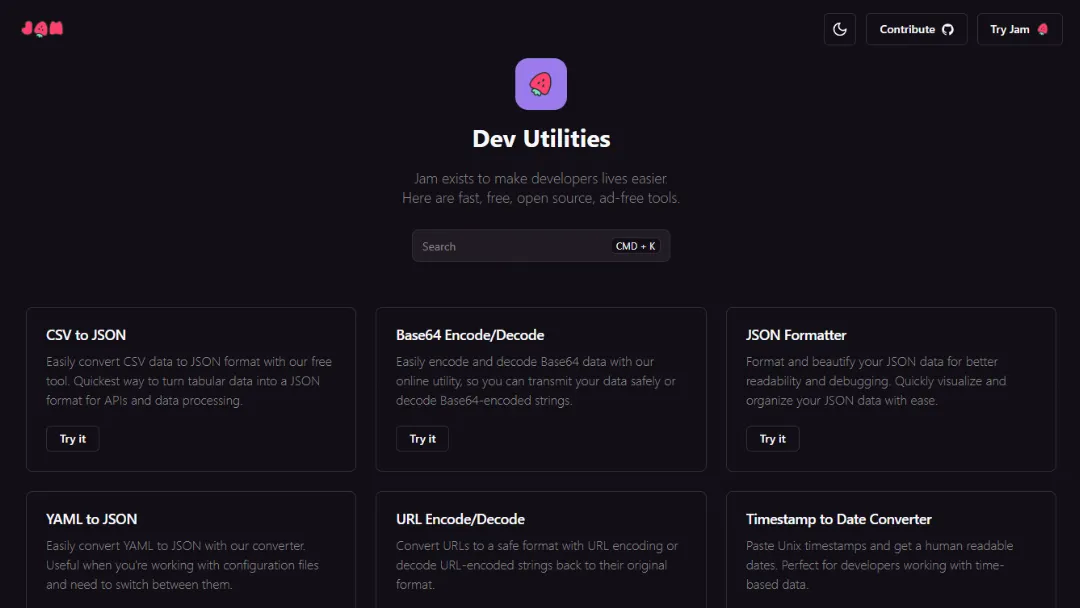
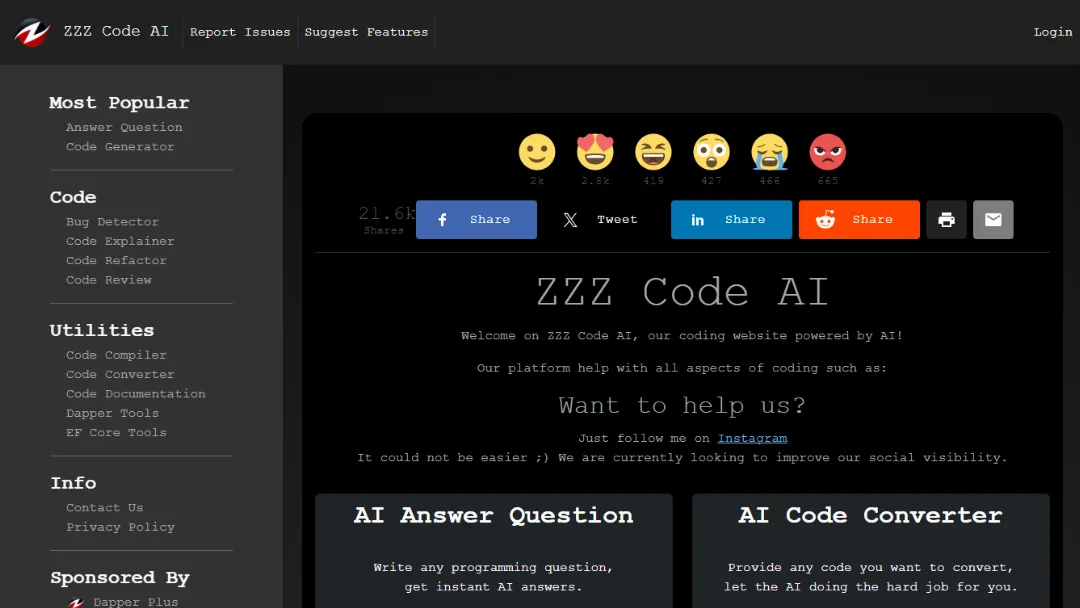
Access a variety of handy online tools designed specifically for developers.
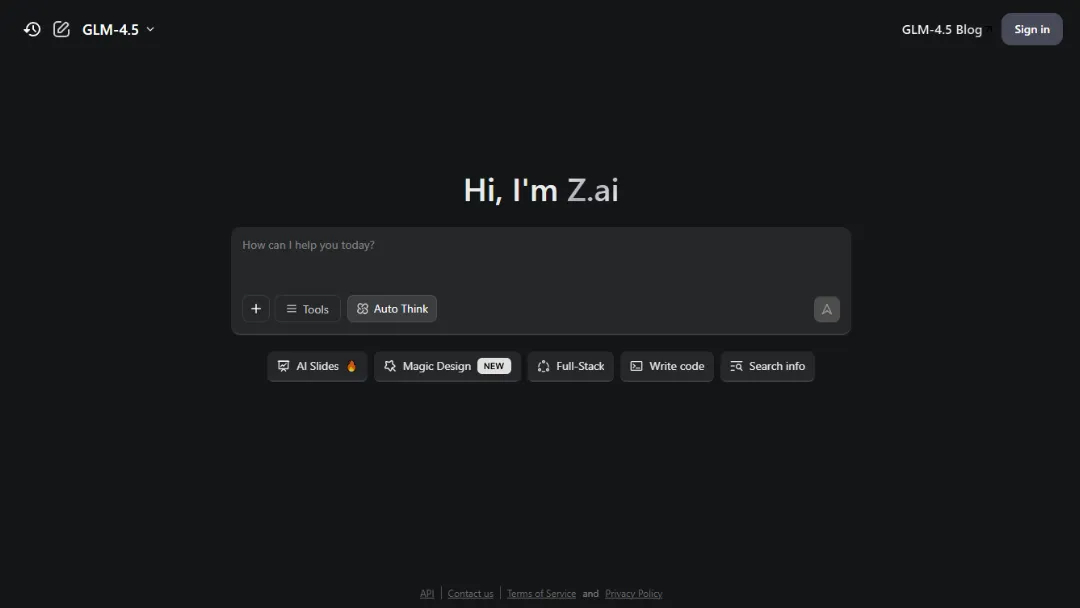
Chat with Z.ai - free AI chatbot powered by GLM-4.5.
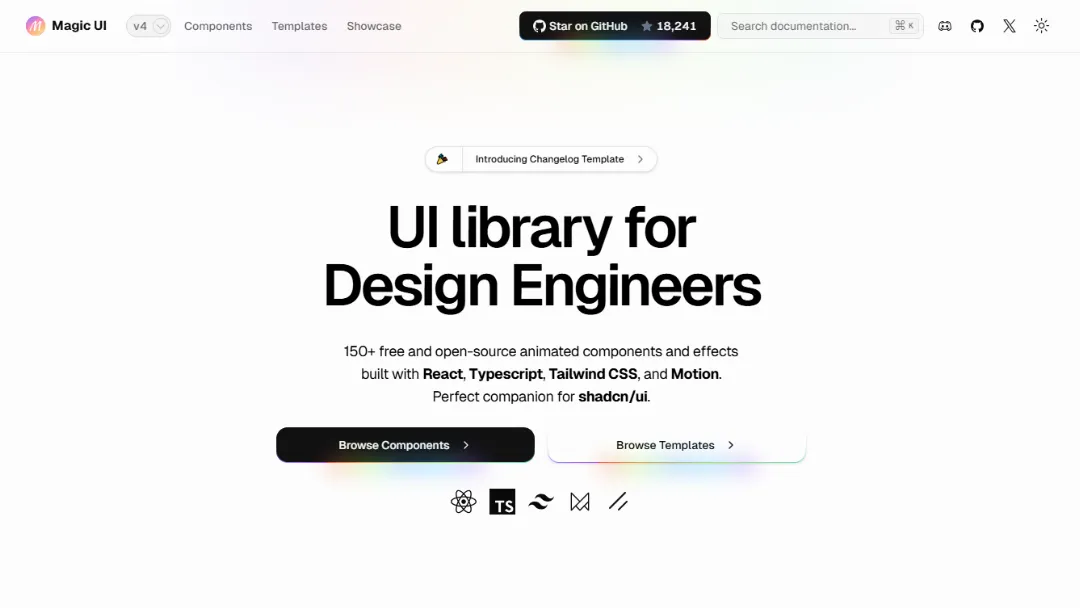
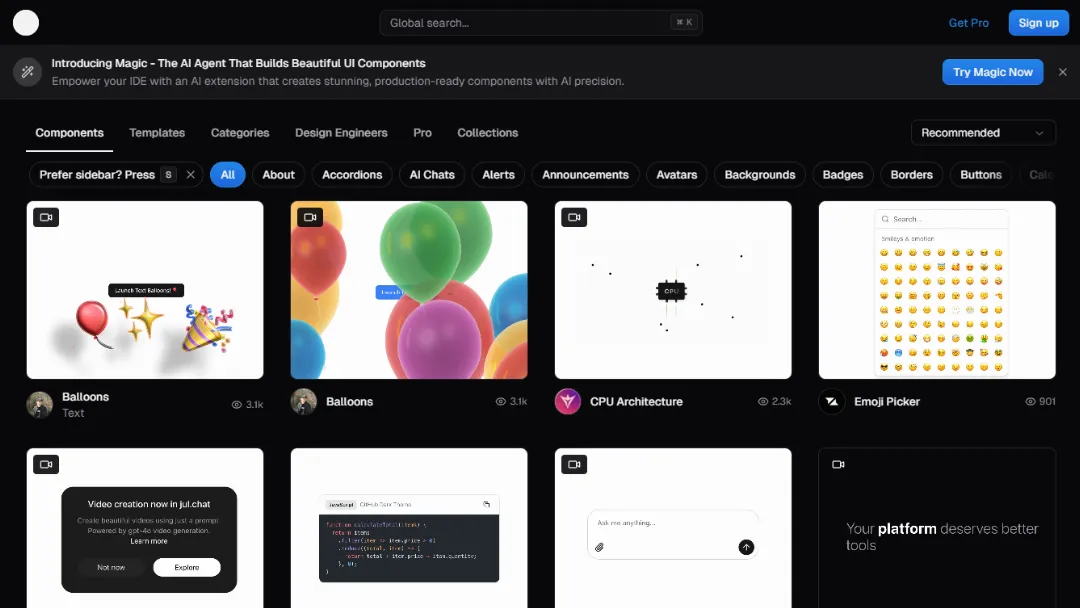
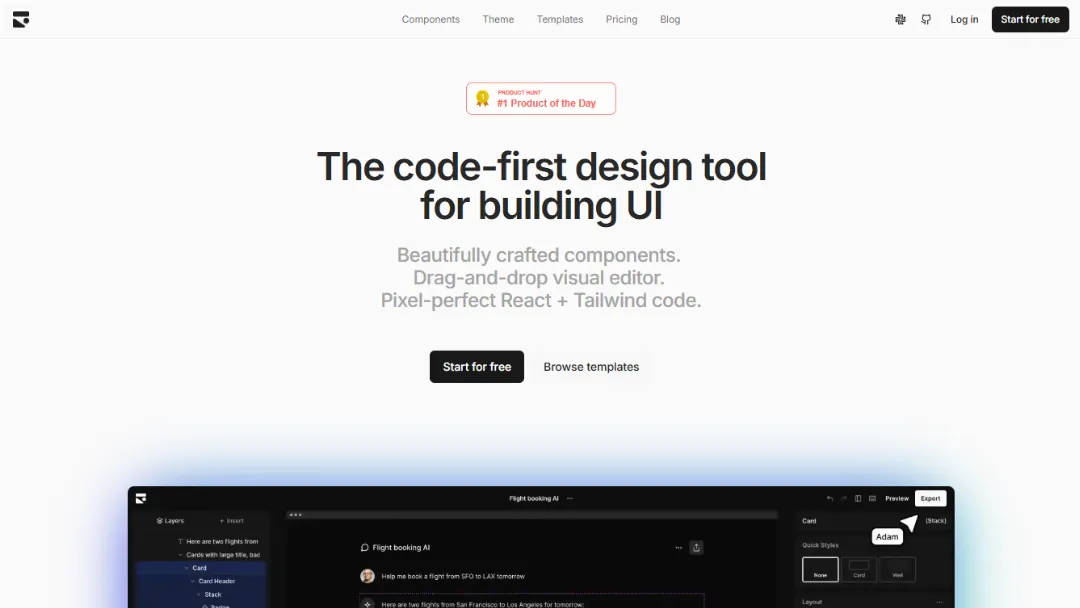
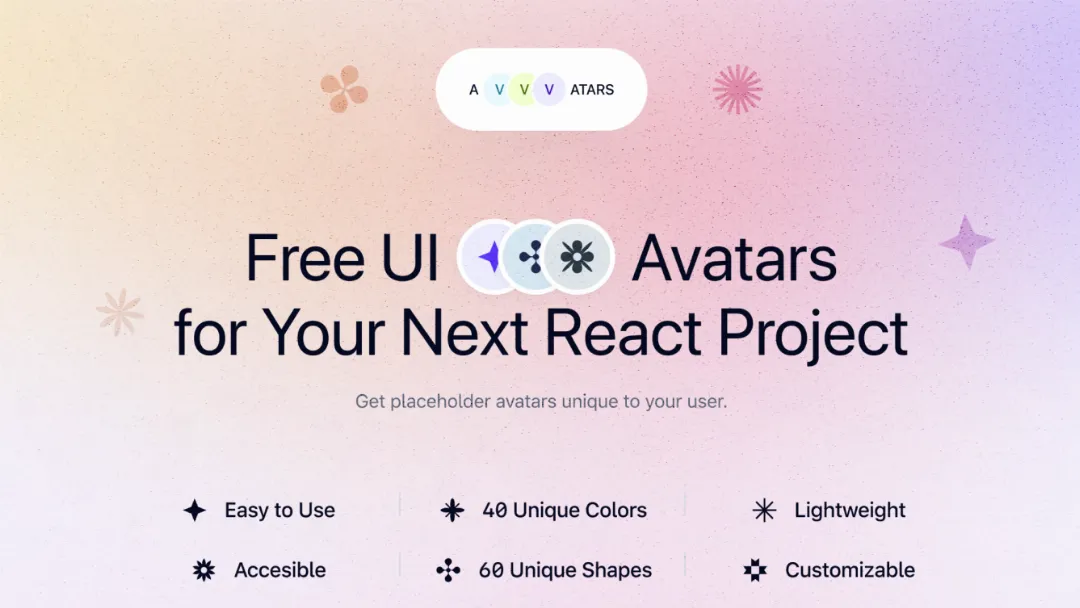
Github + Pinterest to make your AI websites look beautiful.
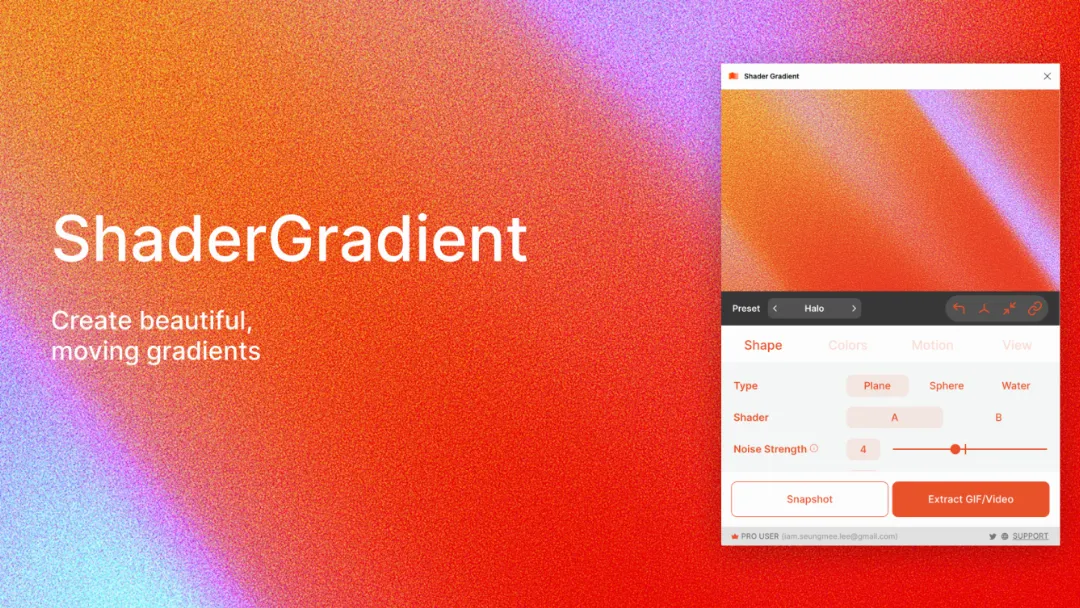
Create beautiful moving gradients for web and design projects using various tools.
Send transactional and marketing emails efficiently while ensuring high deliverability.
Generate a fully customizable cookie banner, and record user consent all in one place.
Leverage AI for automated code reviews and feedback.
Stay updated on developer news and tools in one customizable tab.
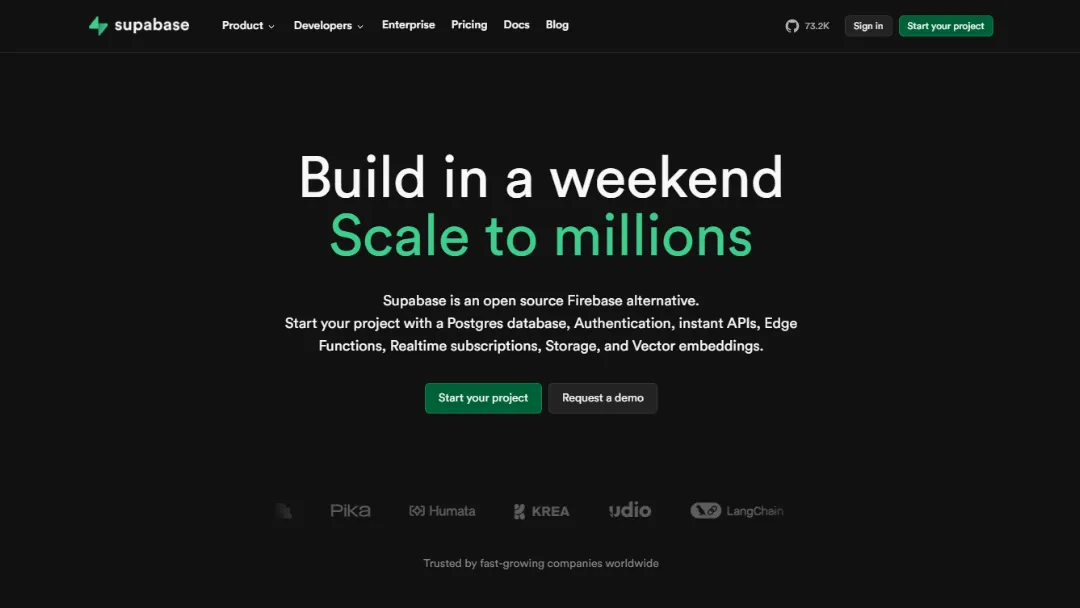
Build scalable applications using an open-source alternative to Firebase.
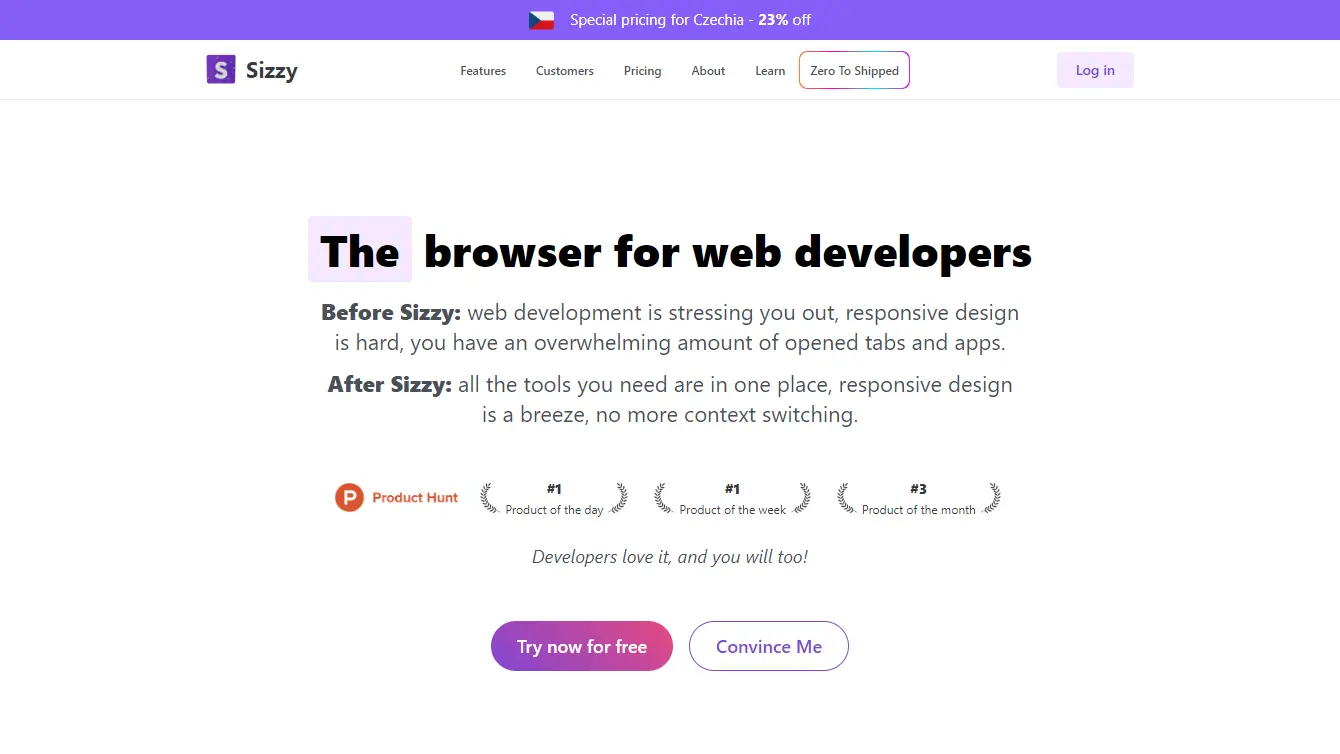
Build, debug, and test websites using a powerful browser designed for developers.
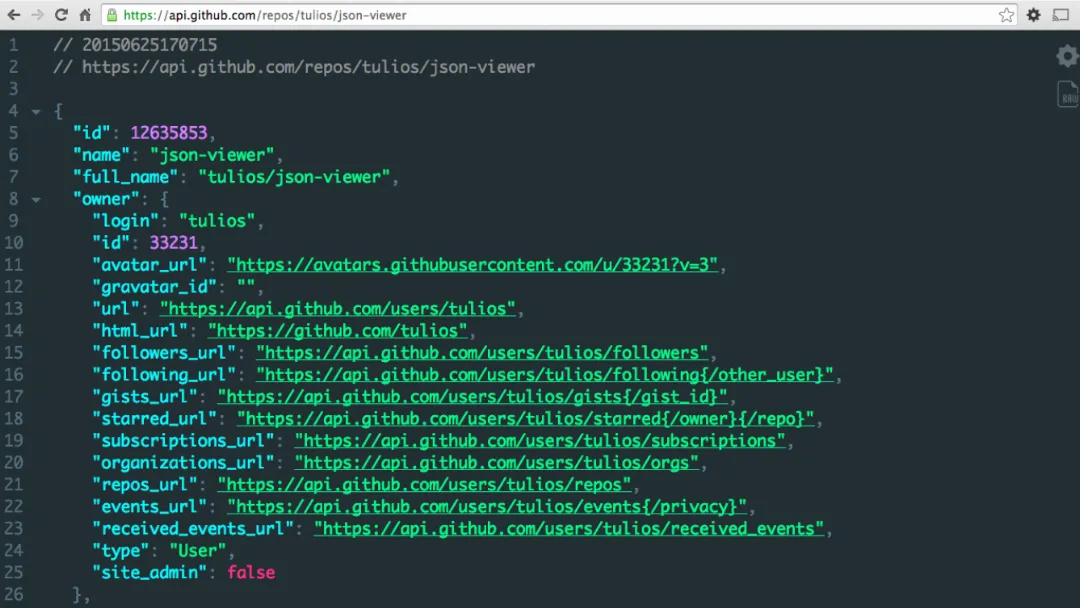
Easily view and format JSON data throught a simple Chrome extension.
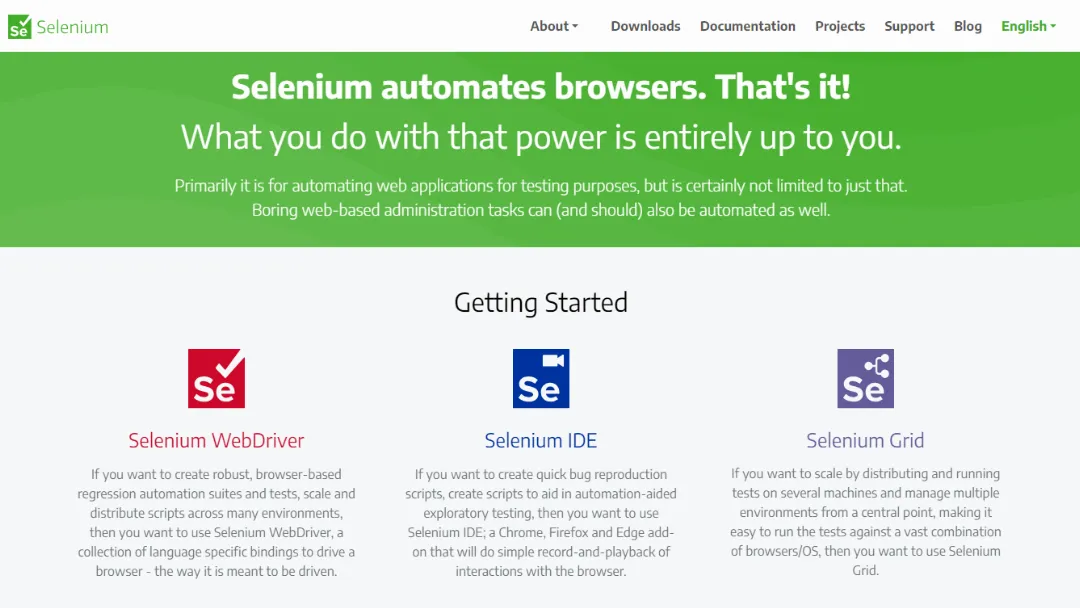
Test websites and mobile apps across various real devices and browsers.
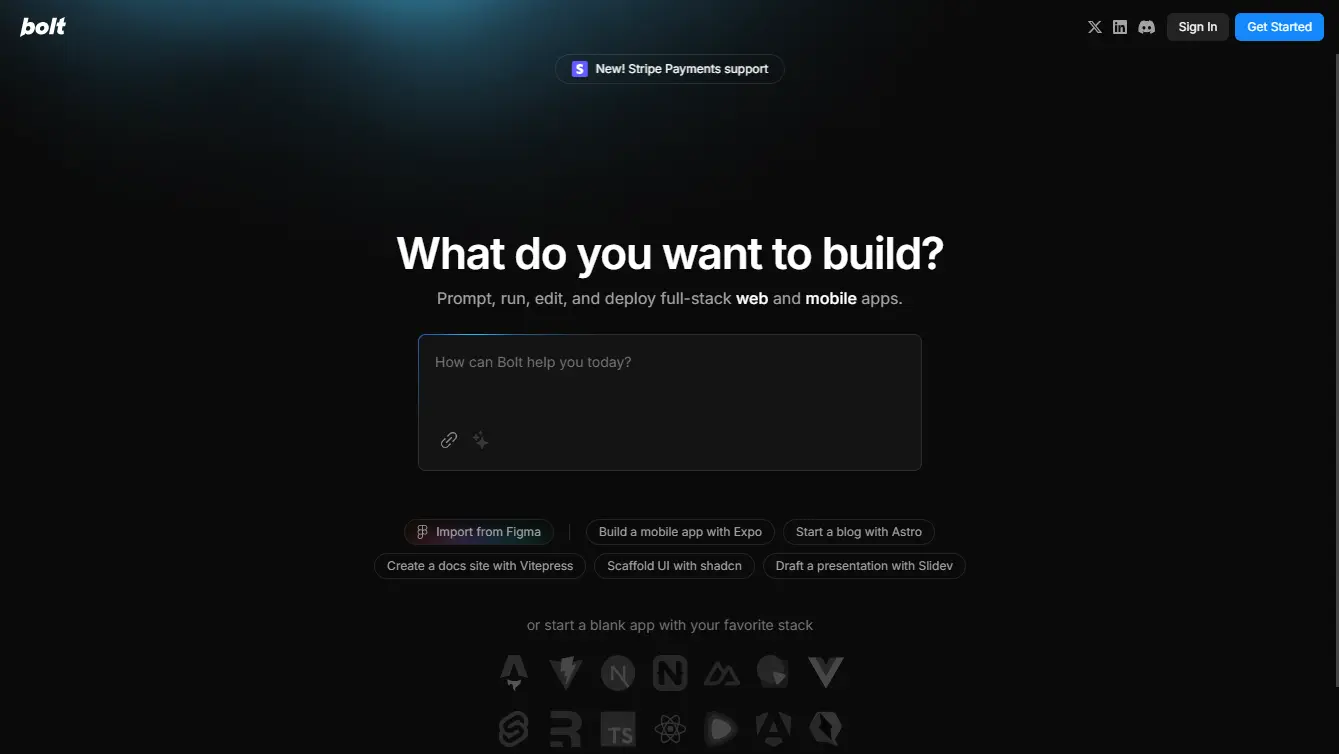
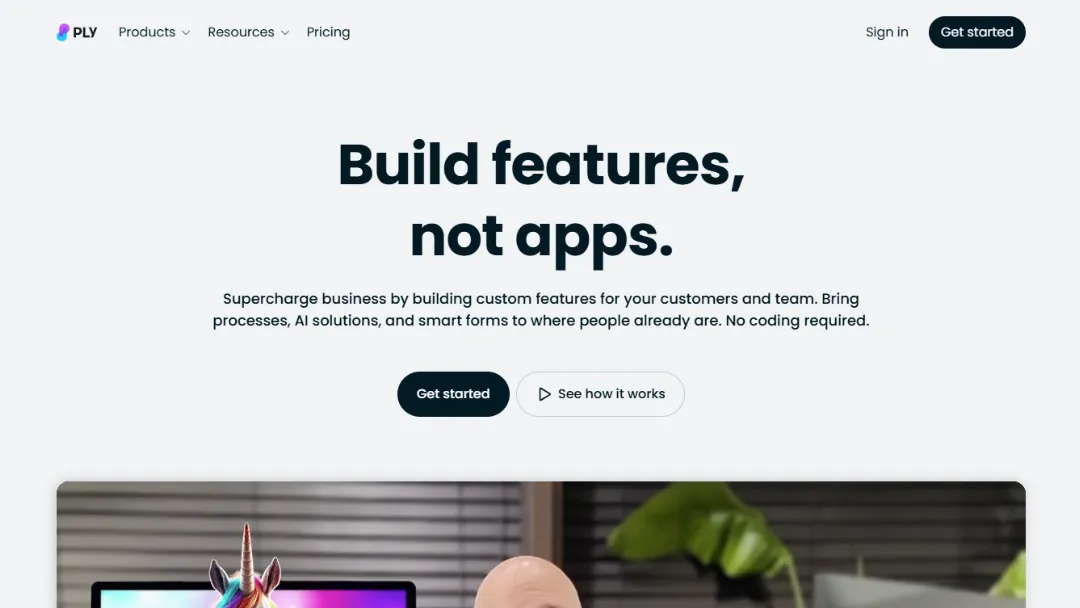
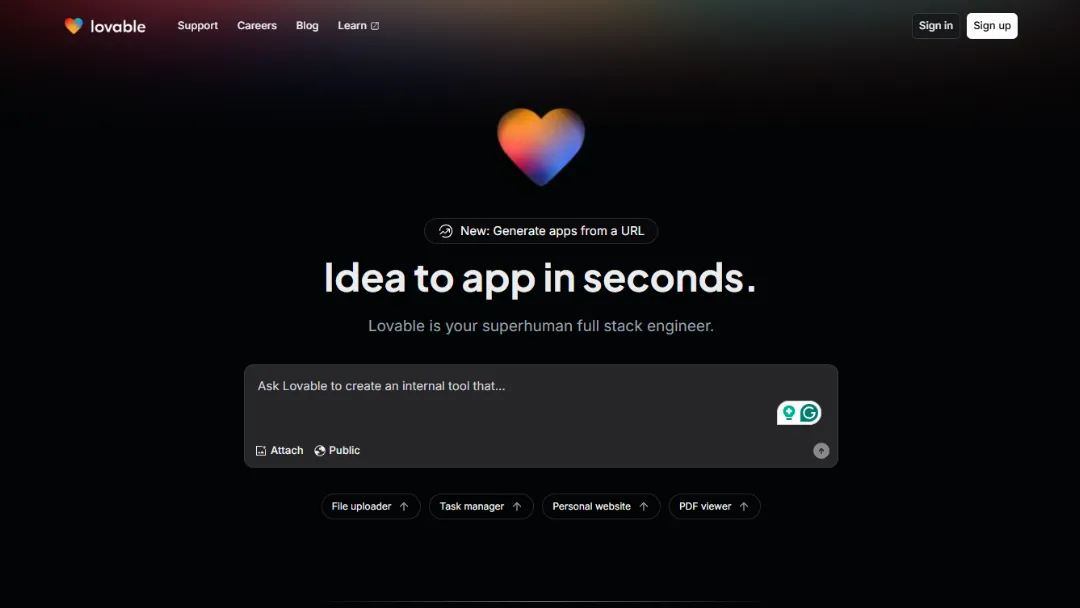
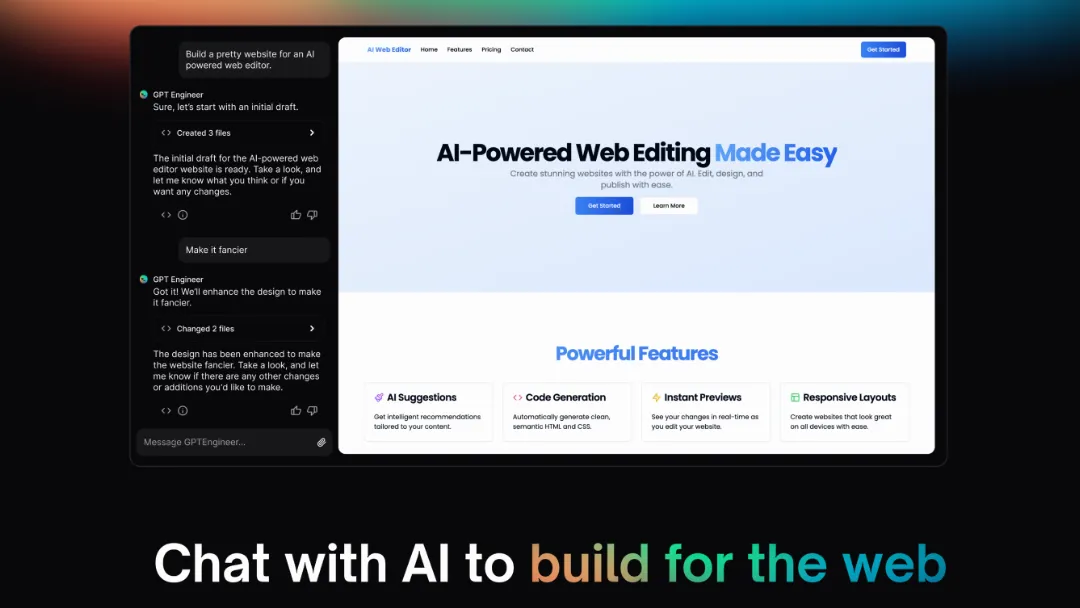
Create and deploy AI applications using natural language programming without coding.
Find bugs before your users do with a powerful AI-powered testing tool.
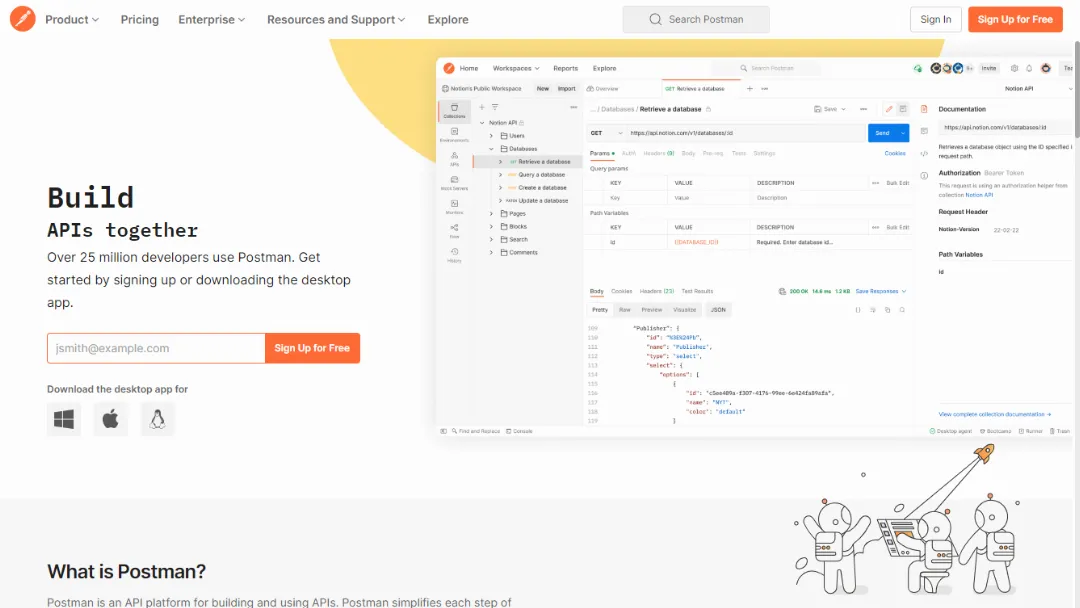
Manage, monitor, and optimize your REST APIs effectively.
Access a wide range of free developer tools for encoding, decoding, & data manipulation.
Integrate any open-source package, SDK, or framework directly within your IDE using AI.
Analyze and improve code quality and security through static analysis.
Pair program and debug together through collaborative, multi-display screen sharing.
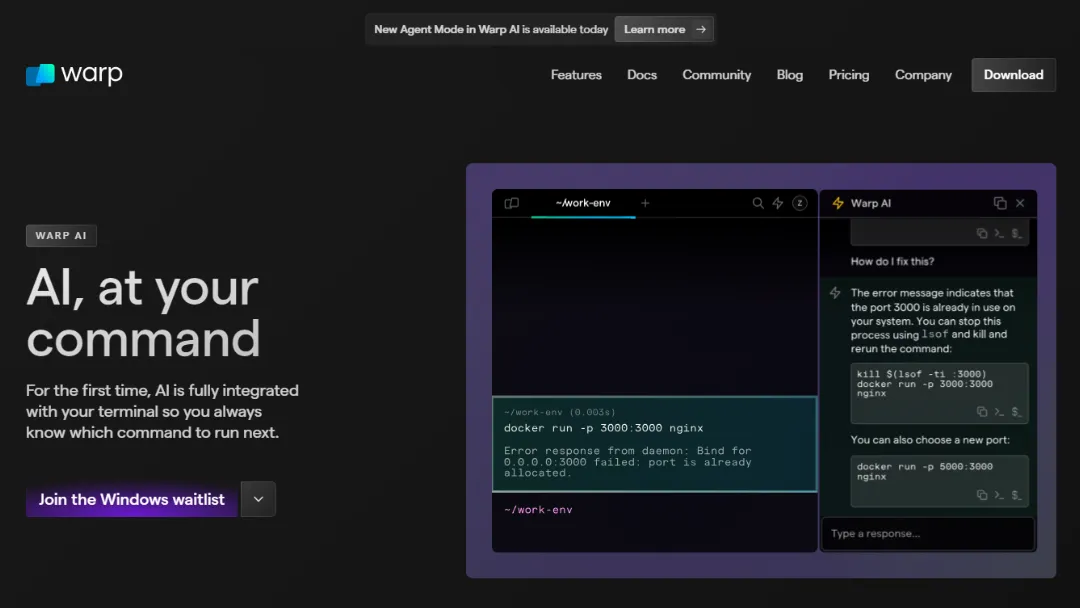
Get AI to your terminal to explain output, debug errors, and suggest commands.
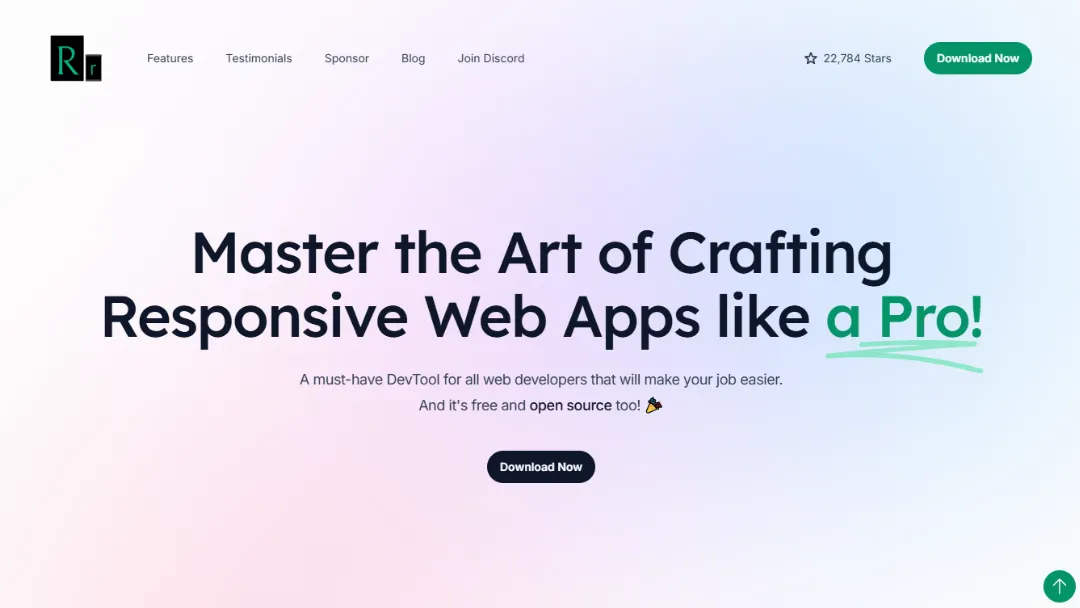
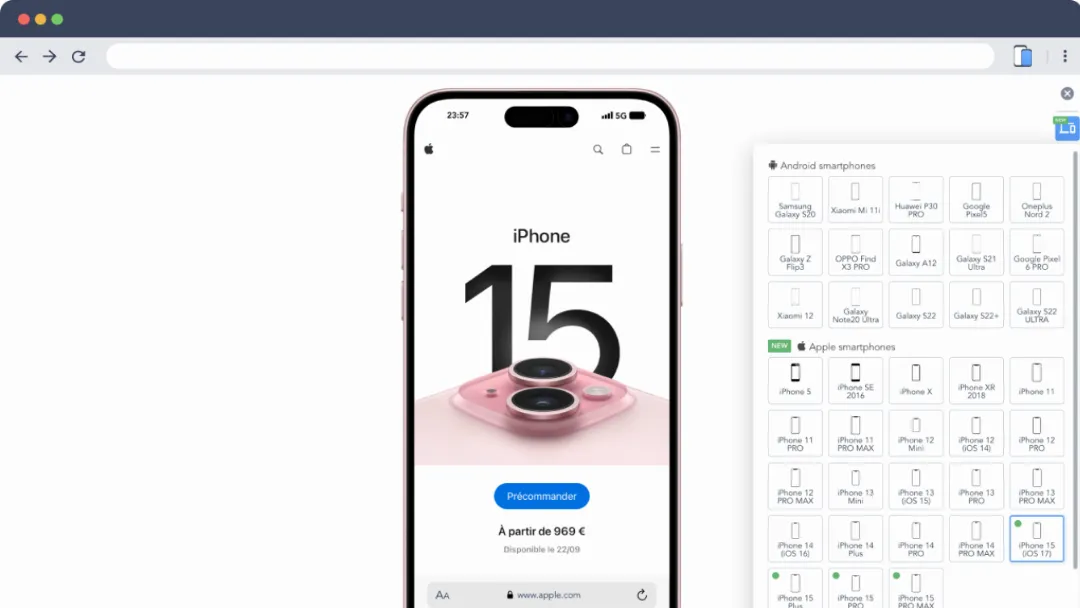
Test your mobile responsive websites with realistic simulators.
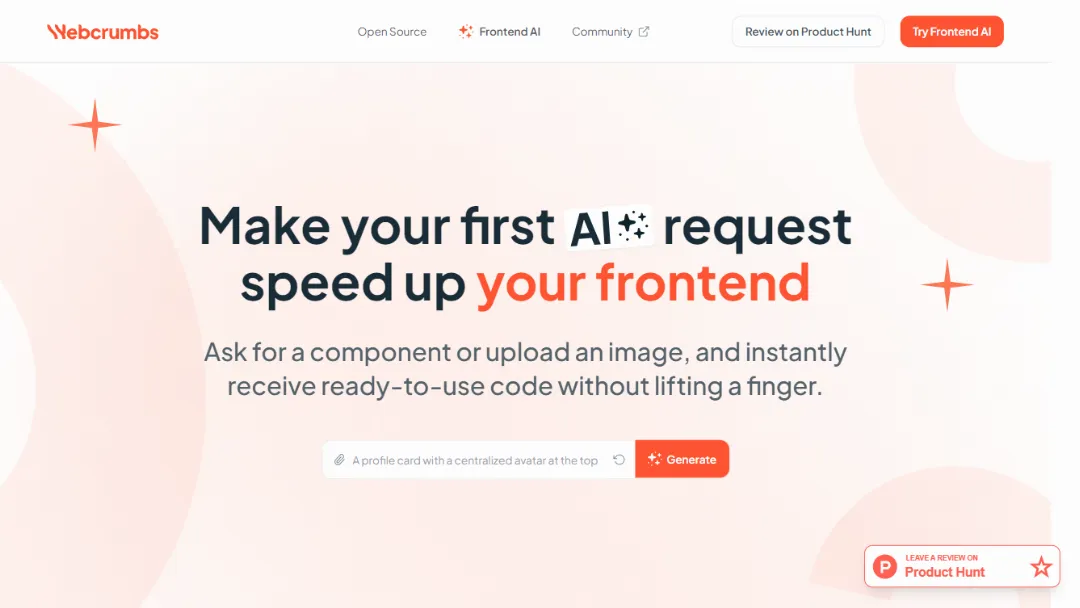
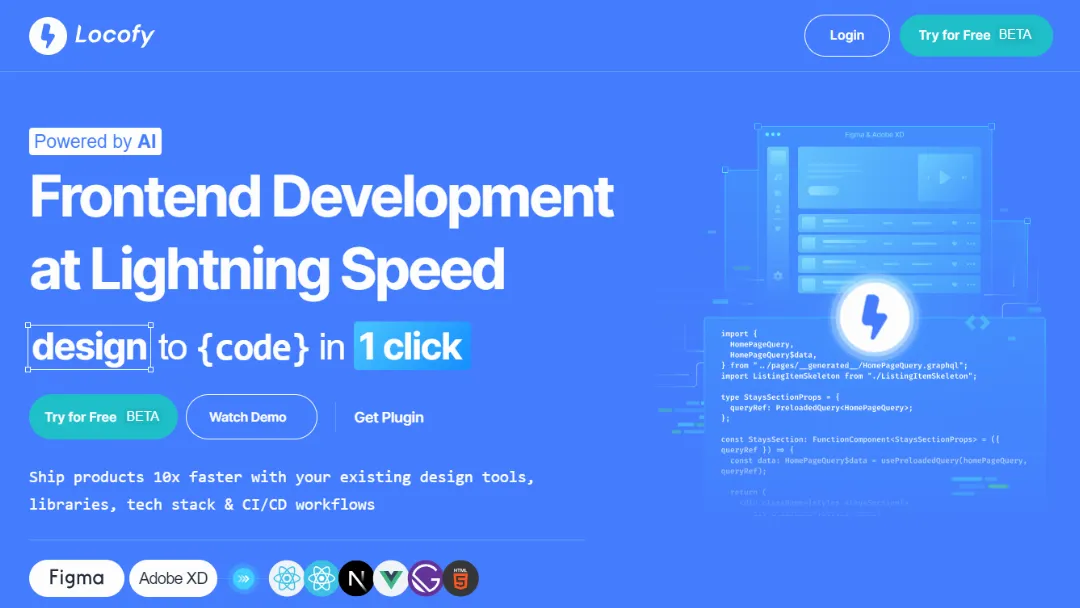
Image to HTML converter powered by AI.
All online tools you need in one box for free.
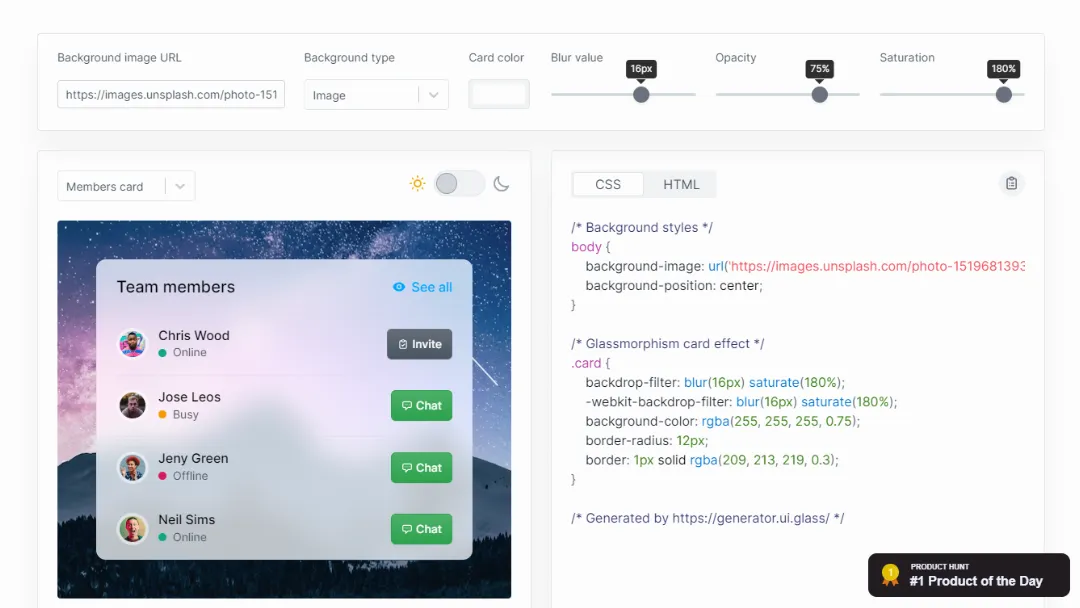
Build semi-transparent, blurred glass-like backgrounds.
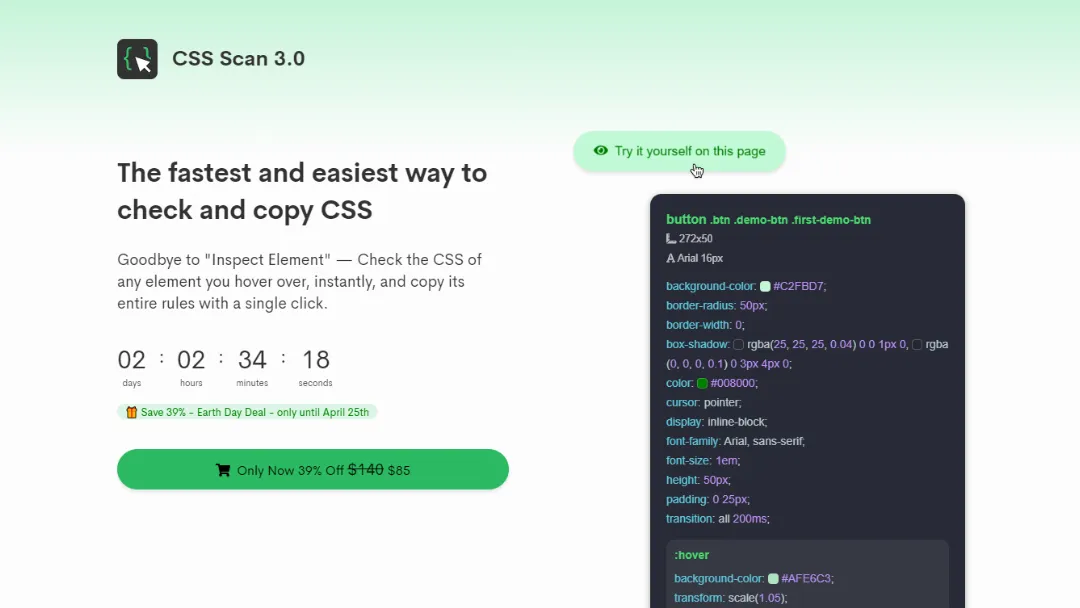
The fastest and easiest way to inspect or copy CSS.